
Quick answer
For the first 10 minutes, finish the tutorial, keep one animal chopping, watch a full cash cycle, then buy the upgrade that fixes the real slowdown: tree value, crew speed, carrying capacity or floor space.
In-game screenshots
Current build screenshots
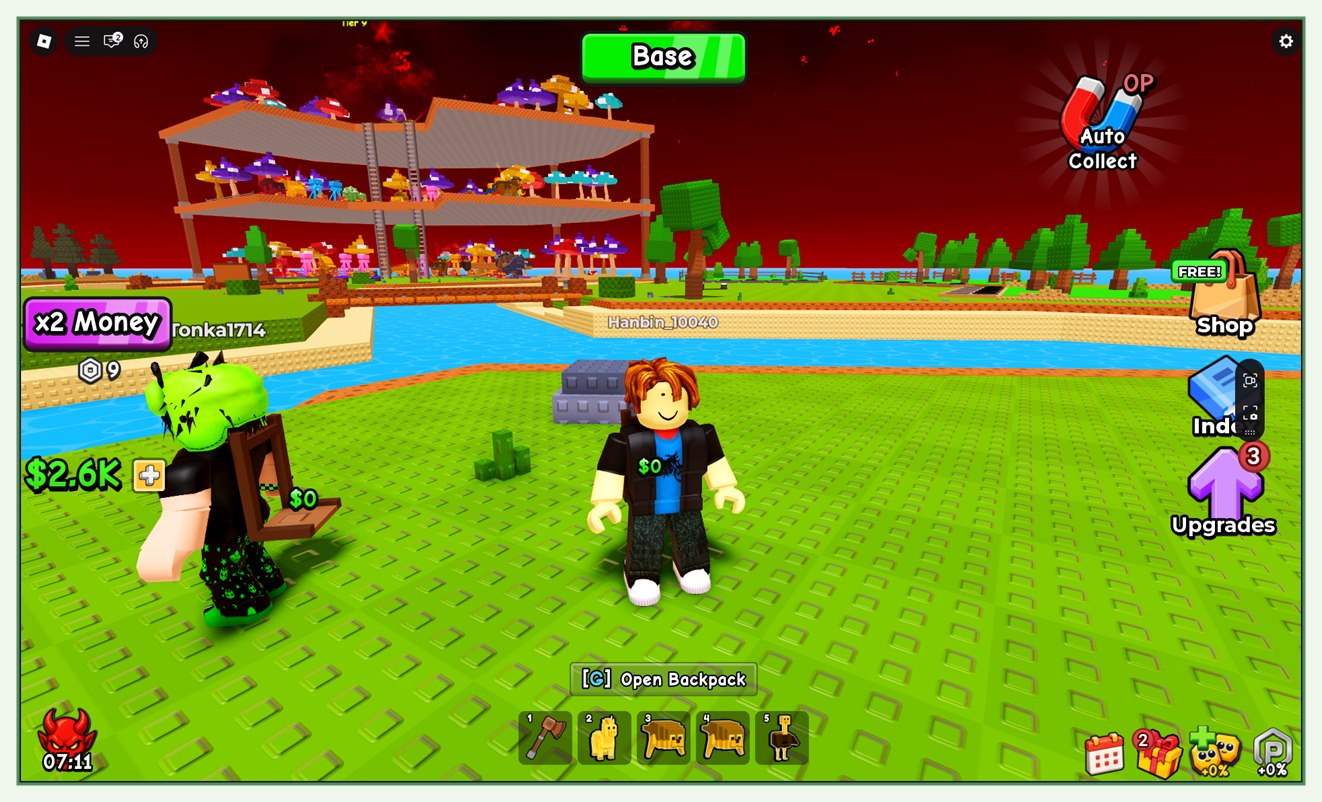
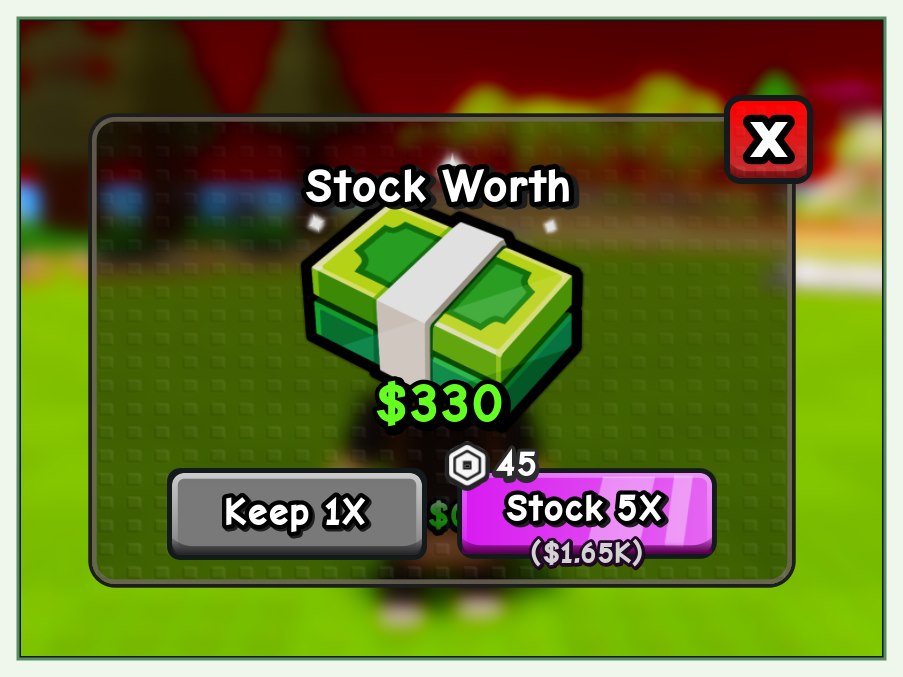
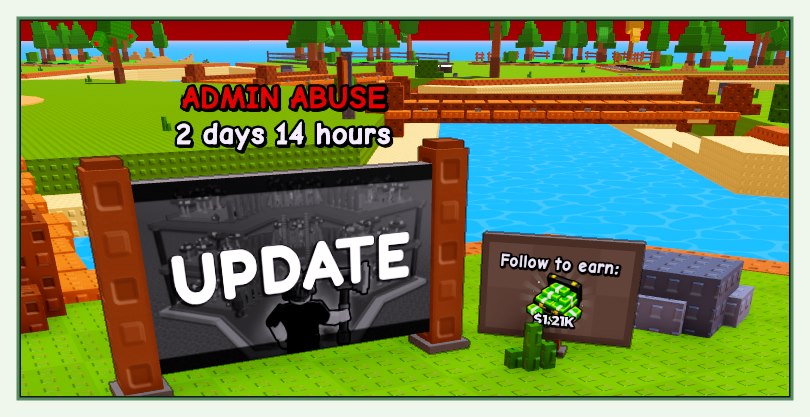
The verified game loop
- 1
Hire an animal crew and let it chop trees.
- 2
Collect cash from the timber loop, including earnings while AFK.
- 3
Upgrade the forest for better trees and more valuable logs.
- 4
Improve crew speed and carrying power when workers become the bottleneck.
- 5
Use free rolls to collect animals and unlock new floors as the empire expands.
The tutorial is a real objective
My Timber Pets publishes exactly two badges, and one of them is called Tutorial Completed!, described in the official Roblox badge data as "Achieved by completing the tutorial."
That makes the tutorial a creator-defined objective rather than a community invention. Finish it before you start spending, because it is the only progression step the game formally acknowledges.
- The only other badge is Welcome!, earned simply by playing.
- Both badges were created on August 11, 2026 and last updated on August 24, 2026.
- No event-specific badge exists, which is why this site does not list any limited-time event as confirmed.
Your first spending decision
Do not spread cash across every button immediately. Watch one complete trip from tree to payout. A slow tree break points toward crew speed. Frequent return trips point toward carrying capacity. Low cash per completed log points toward the forest.
This diagnostic approach remains useful after balance changes because it does not depend on an unverified price list.
First pets and your Lucky Egg
After the tutorial, the fastest cash usually comes from a worker animal rather than waiting on trees. In a community beginner capture, the first unlocked worker was a Chicken that paid a small amount per log (quoted around 37 cash per log at level 1), then a Lucky Egg granted a free Capybara that paid roughly 2,700 cash per log at the same stage — a large jump for a pet that cost nothing.
The Lucky Egg is the free roll source for animals, so opening it whenever it is ready is a strong early move. Exact pets and payouts vary by build, so treat any single capture's numbers as an example, not a guarantee.
- Unlock your first free worker slot, then place a cheap worker to start the cash loop.
- Open the Lucky Egg on cooldown; a free higher-value pet (like the observed Capybara) can out-earn your starter worker immediately.
- Storage upgrades raise how much wood you can hold, and the capture showed wood persisting between sessions, so upgrades keep earning while you are away.
Avoid these early mistakes
- Do not treat an unofficial rarity or price table as current without an in-game screenshot.
- Do not assume AFK income is separate from the same forest and crew upgrades used while active.
- Do not chase a rare-looking animal before the base cash loop can support your next expansion.
- Do not use third-party code generators or enter Roblox credentials outside Roblox.
Source standard
Official Roblox metadata and creator-owned descriptions take priority. Exact values remain marked unverified until they can be reproduced in the current public build.
Common questions
My Timber Pets FAQ
What should I upgrade first in My Timber Pets?
Upgrade the part of the timber loop that is visibly slow. Compare tree value, chopping speed, carrying capacity and available space before spending.
Can My Timber Pets earn cash while I am AFK?
Yes. The official Roblox description says animal crews continue chopping and earning cash while the player is AFK.
Does My Timber Pets have a tutorial?
Yes. The official Roblox badge list includes Tutorial Completed!, awarded for completing the tutorial. It is one of only two badges in the whole experience.
Does the Lucky Egg give free pets?
Yes. The Lucky Egg is the free roll for animals; a community beginner capture showed it granting a free Capybara that out-earned the starter worker. Exact pets vary by build.